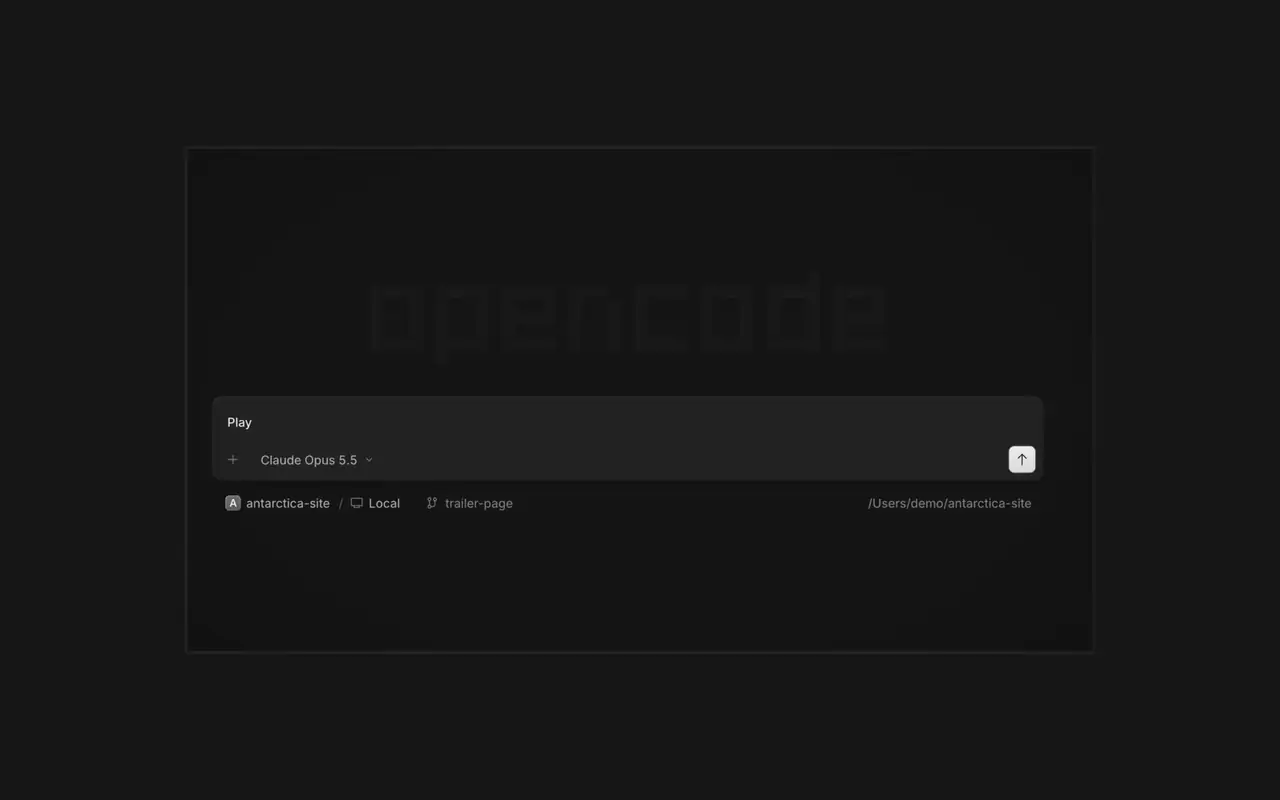

병렬 에이전트
원하는 만큼 에이전트를 시작하고 모두 병렬로 작업하게 하세요. 작업이 끝나는 대로 에이전트 사이를 오가세요.
원하는 만큼 에이전트를 시작하고 모두 병렬로 작업하게 하세요. 작업이 끝나는 대로 에이전트 사이를 오가세요.

앱이 에이전트 옆 브라우저에서 열리므로, 당신과 에이전트 모두 모든 변경 사항을 바로 확인할 수 있습니다.

모든 기기에서 에이전트를 시작하고, 데스크톱 앱, 터미널, 휴대폰에서 이어서 작업하세요.
도구와 서비스를 연결해 에이전트가 무엇이든 다룰 수 있게 하세요. 또는 OpenCode가 스스로 플러그인을 만들게 하고, 사이드바에 전용 UI를 띄우세요.
Enter in the question dock moves to the next question and submits on the last one. Set Submit question answers with to Cmd/Ctrl+Enter in Settings → Preferences to keep the previous behavior.#66169
v2.4.2의 하이라이트 모두 보기/rename with no title generates a new title, and /rename <title> sets one.#66396/btw AnswersWhen a side question finishes behind another side-panel tab, its tab shows an unread dot until you open it.#65821
v2.4.1의 하이라이트 모두 보기Import your sign-ins and browsing history from Chrome, Edge, Firefox or Safari, and add extensions from Chromium browsers or the Chrome and Edge stores. Everything stays in one persistent desktop profile: chat links open signed in, your tabs survive restarts and the agent can read and drive the same pages without you switching apps.#63002#65073
On Windows, the taskbar button shows session progress, counts sessions that need you and flashes when a permission or question is waiting.#65317#65318#65319
Mod+Enter. Depending on your follow-up setting, they send, steer or queue.#65264opencode://open-project and opencode://new-session links doing nothing.#65332~/Downloads/clip.mp4 showing "File not found". ~ now opens in the server's home folder.#65689